
DESIGN.md for Codex: keep website pages visually consistent
Give Codex a shared design reference for typography, spacing, colors and components. Includes a Markdown starter and an AGENTS.md instruction.
5 min read
In this note
Give related pages a shared reference
Separate project instructions from design decisions
Record choices an agent can apply
Keep one reference across related pages
Give related pages a shared reference
A DESIGN.md file gives Codex a shared reference for the visual decisions that should survive across pages. It is useful when the first screen looks right but later work changes the spacing, button styles or type scale. The file records the intended design; you still need to inspect whether the result follows it.
The setup has two parts: write down the decisions, then tell Codex where to read them. A file sitting in a repository is not proof that an agent has used it.
Separate project instructions from design decisions
AGENTS.md tells Codex how to work in a project. OpenAI documents how Codex discovers those instructions. DESIGN.md can hold the visual reference those instructions point to. Keep the project rules intact when adding that reference. OpenAI's AGENTS.md guide.
Add a short instruction to the applicable AGENTS.md:
Before changing website UI, read DESIGN.md. Use its visual rules and the existing components. Identify any conflict with the requested change before editing. Inspect the rendered result after the change.
This is an explicit reading instruction, not a claim that DESIGN.md has a special automatic loading rule. Check the instructions Codex actually read if the design keeps drifting.
Google Labs publishes a DESIGN.md format for describing visual identity to coding agents. The downloadable starter in this guide is a simpler project note; it does not claim conformance with that format or compatibility with every tool that imports it. Use the published specification when an importer requires it. Google Labs' format specification.
Record choices an agent can apply
“Clean and professional” leaves most of the design undecided. A useful reference identifies the existing fonts, named color roles, spacing rules and component behavior.
Start with what already exists in the codebase. If buttons use a shared component, point to it. If colors are defined as CSS variables, name those variables. Do not invent a second token system in Markdown that disagrees with the stylesheet.
Explain the reason for a rule where that reason affects later choices. A dense table may use shorter rows so a reader can compare more records at once. That does not imply that a marketing page should use the same density.
Include exceptions close to the rules they qualify. A large headline may be appropriate for a landing page but wrong inside a settings panel. Naming the scope prevents a local design choice from spreading across the whole product.
Keep one reference across related pages
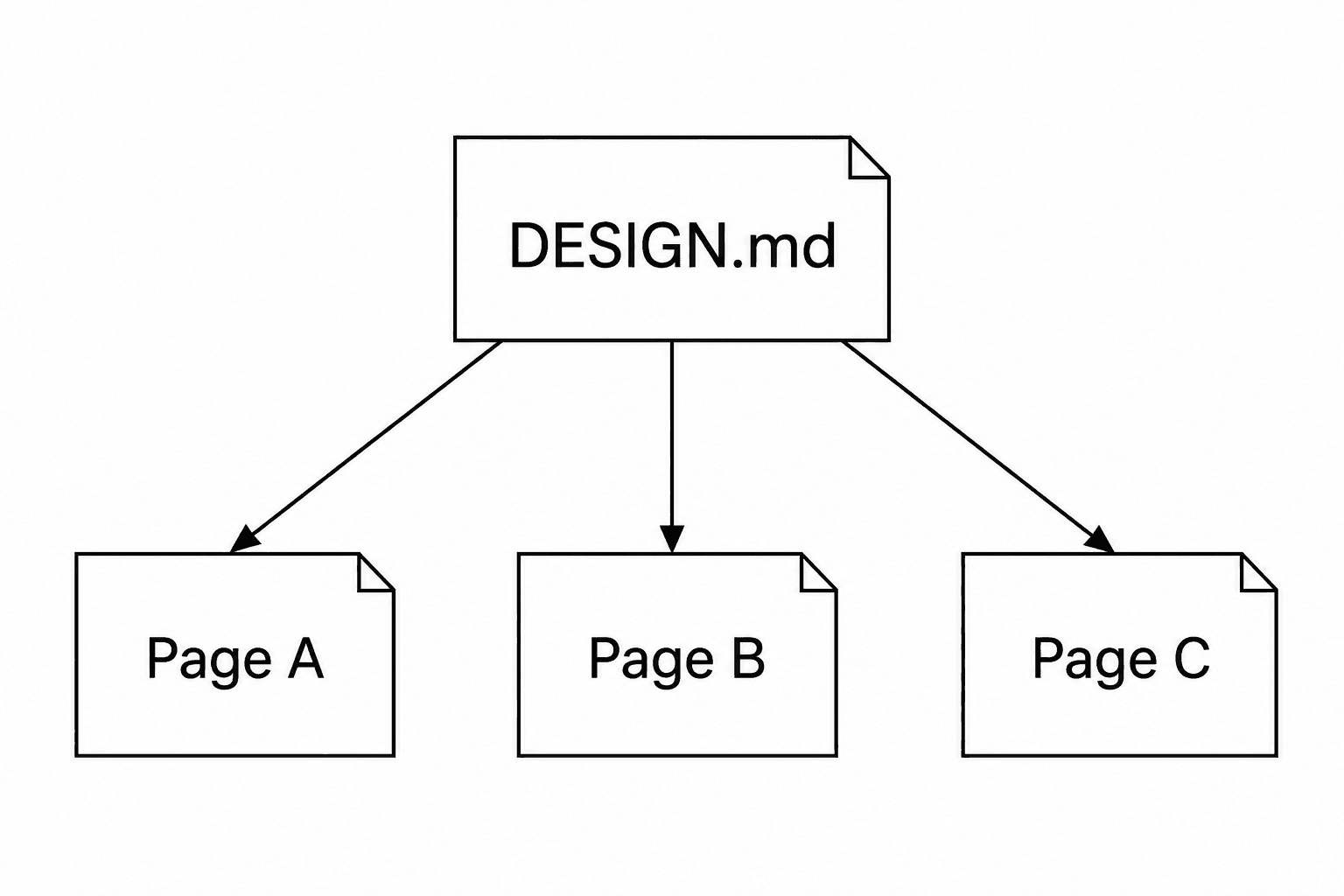
Ask Codex to work on one representative page first. Check whether its output follows the recorded decisions. If the file is ambiguous, correct the instruction before applying it to several more pages.
For example, “use consistent spacing” does not settle the relationship between a heading, its explanation and the next section. A stronger rule distinguishes spacing within a group from spacing between groups, then points to an approved example.
Once that example works, use it alongside the Markdown file. The written rule states the intention; the rendered example helps make the intention visible.
Review changes in the browser
A token name in the source does not establish that the final layout looks right. A container rule, a long heading or a different image crop can change the result without changing the design tokens.
Inspect the page on desktop and a narrow screen after each meaningful UI change. Check text wrapping, alignment, image proportions and navigation. Use the same page and content when comparing versions so the comparison has a clear basis.
If the result breaks a recorded rule, correct the implementation. If the rule no longer serves the page, change the rule deliberately and inspect the other pages it governs. Do not let the document and the code drift into separate descriptions of the site.
Start with a small file
Download the DESIGN.md starter. Replace its placeholders with observed values and file paths from your project. It is a guide for recording decisions, not an installable agent skill or a tested theme.
Keep only instructions that influence the work. Add a rule when a repeated mistake shows that a decision is missing. Remove an obsolete rule when the design changes. A long document with conflicting directions gives the agent more text without giving it a clearer target.
SiteSorted's aim is a website whose visual decisions fit together. A shared design reference serves that aim when it preserves the intended type, spacing, images and component behavior. Its value appears in the pages it helps you produce, so check those pages before calling the system consistent.
Launch CEO read
A launch page should make the buyer, promise, proof, and next action obvious. SiteSorted uses this same standard when it turns a brief or reference site into a builder-ready page.
Start your launch build